Everyday office input
For common input tasks, we discuss where AI capabilities enter the workflow and how they provide feedback.
AI interaction, within reach.
Connecting everyday input with AI applications. Dedicated keys, a knob, a screen, and dual sliders form a complete desktop console.
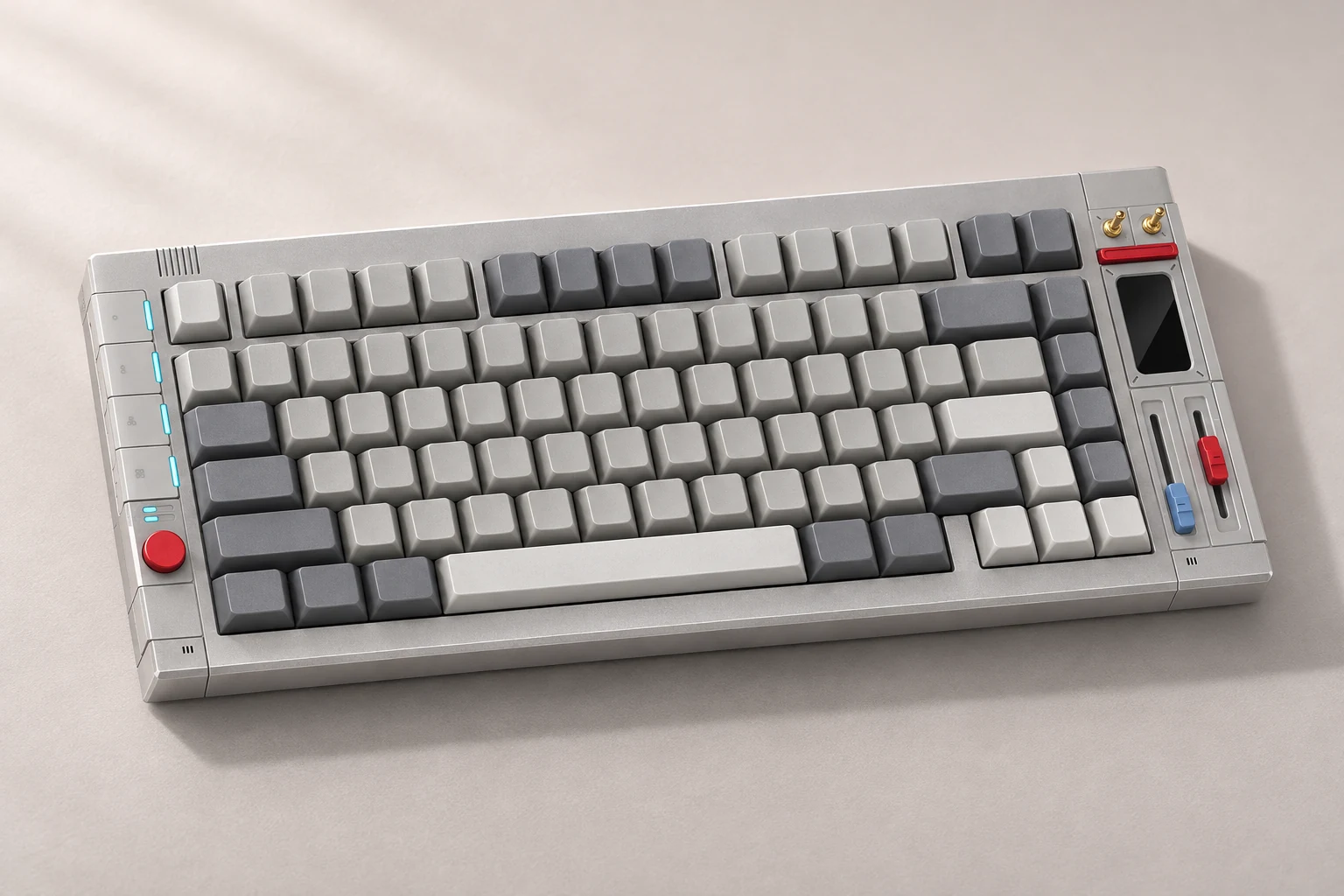
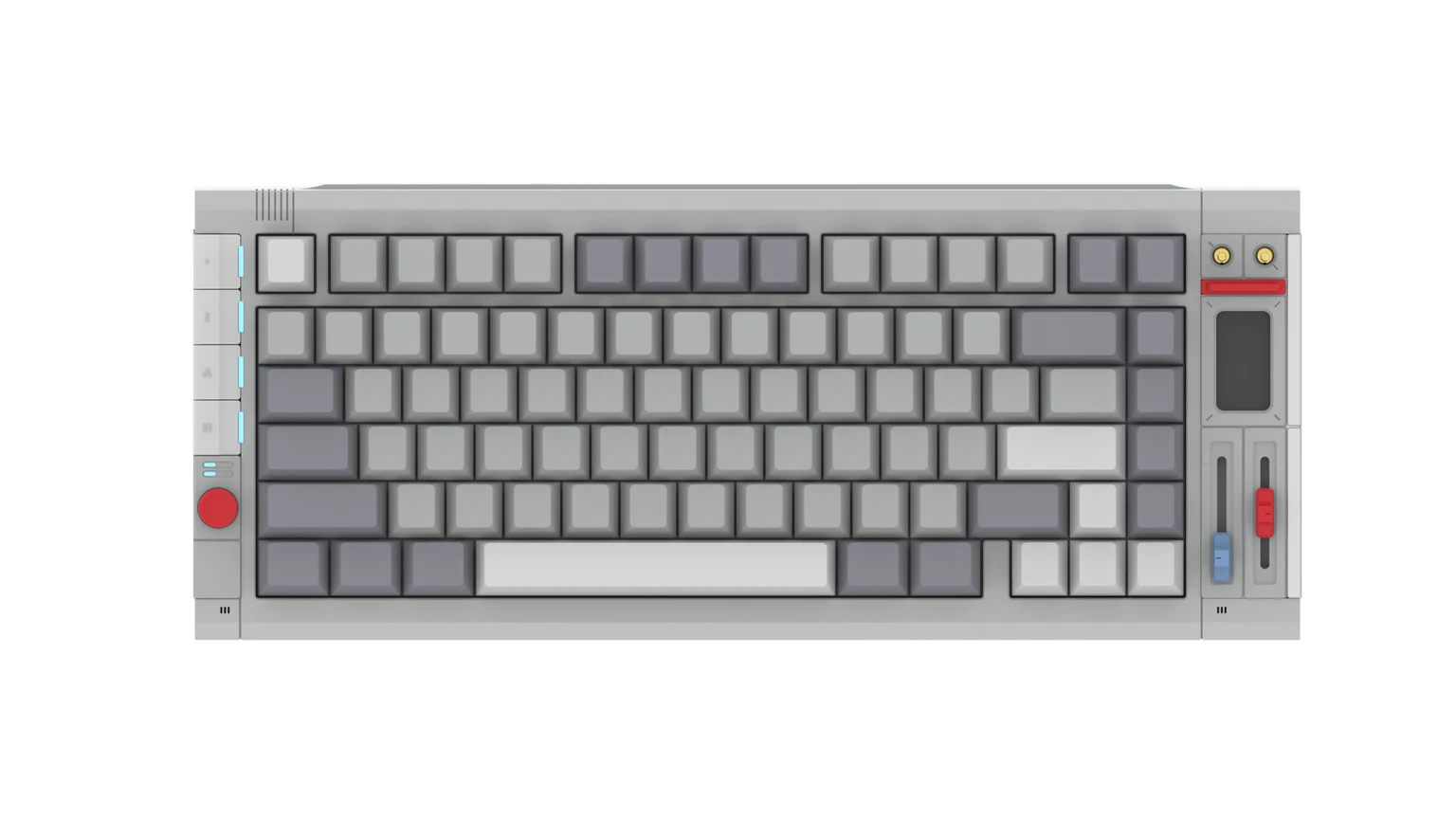
A silver-gray body with light gray keycaps, and red and blue controls that mark separate zones. Frequently used controls sit within reach of both hands.
For common input tasks, we discuss where AI capabilities enter the workflow and how they provide feedback.
For work with fixed steps, the input device and business software can be designed to work together as needed.
For well-defined AI application tasks, we can explore the interaction path from keyboard trigger to app processing to returned results.
Specific development work is defined by project requirements.
Hardware and embedded firmware are planned around the target interaction flow, defining what the device itself needs to handle.
Trigger methods and result feedback are discussed for specific tasks, so AI capabilities and input actions connect coherently.
APIs and state coordination between the device and its companion app or cloud services are planned according to product scope.